Targets your team can see, and hit.
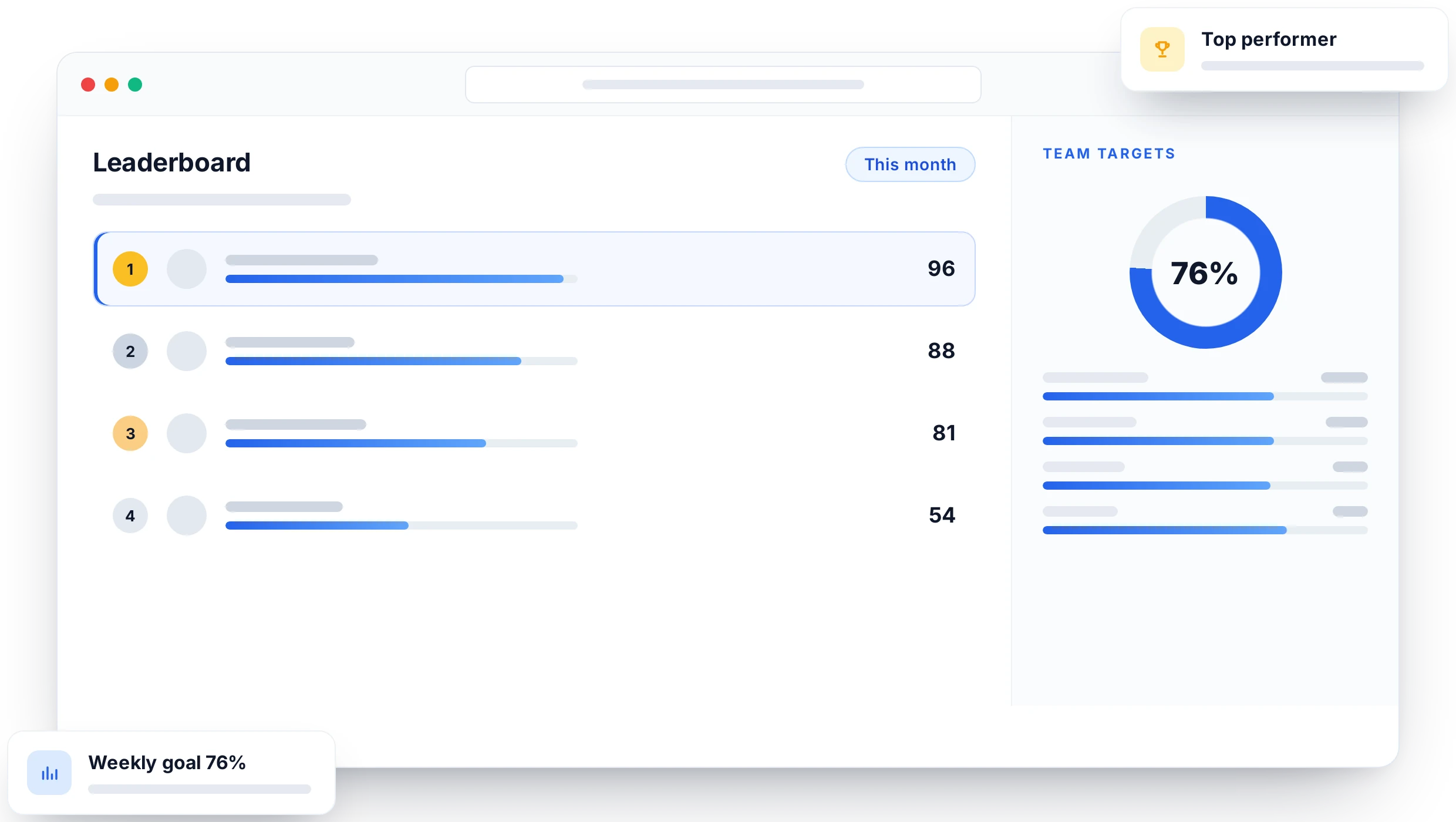
Set weekly goals, watch progress as it happens and recognise the recruiters who deliver. No spreadsheet needed.
Performance management without the spreadsheet.
The numbers managers ask for every Friday are already on the dashboard.
Weekly targets
Goals for profile submissions, client submissions, partner interviews and closures.
Team or recruiter view
Switch between a whole team and one person, for any date range.
Leaderboard
A monthly ranking by submissions, interviews, clients and closures, with a single score.
Recognition and feedback
Managers can recognise a recruiter and leave comments that appear on their dashboard.
PDF reports
Download the monthly overview to share with leadership.
Workspace usage
Admins see jobs, candidate views and active users against plan limits.
Start the day knowing what to do.
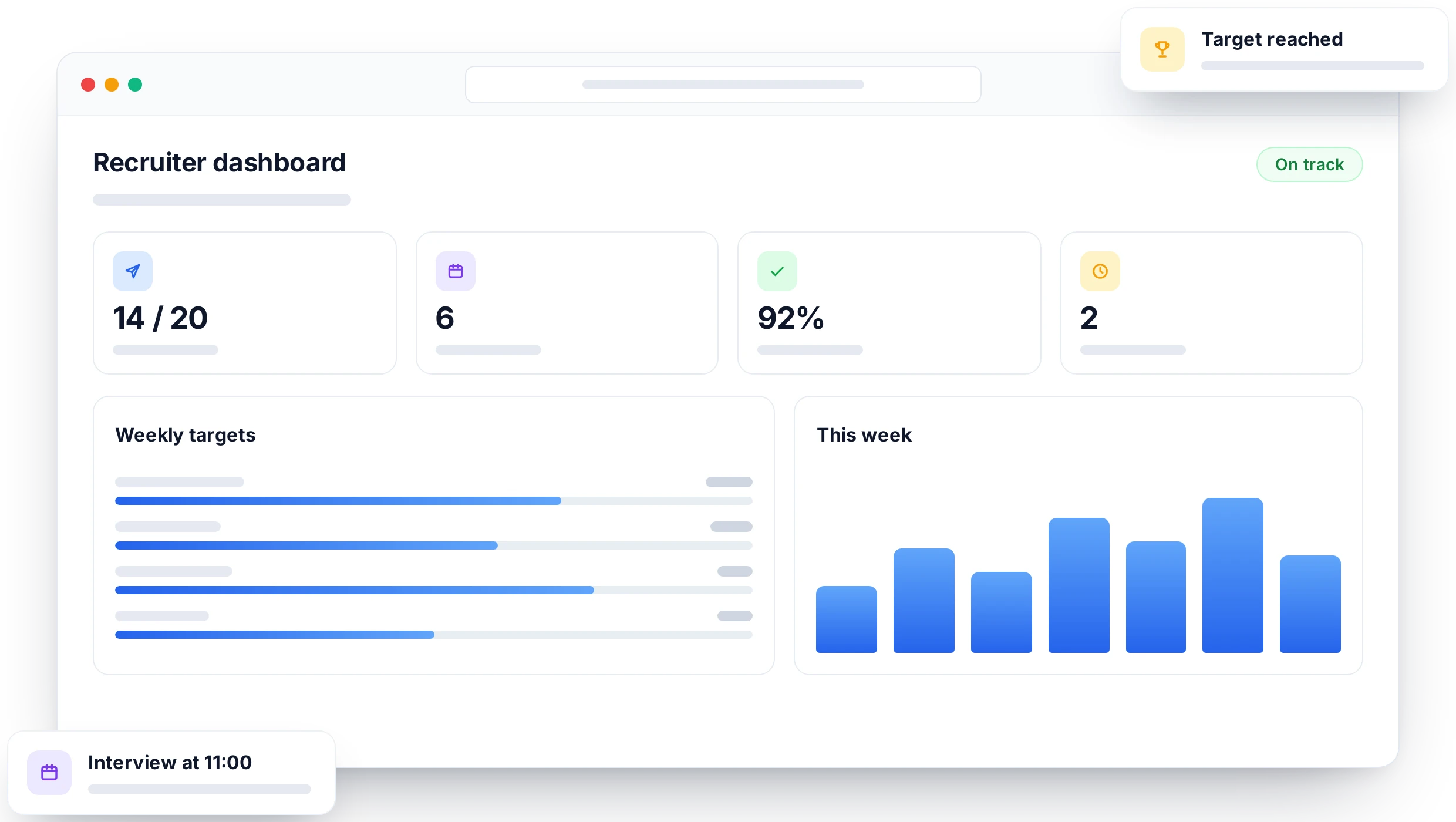
Each recruiter opens a dashboard built around their own numbers.
- Active candidates in the pipeline
- Progress against this week's targets
- Drafts and follow‑ups waiting
- Jobs that are active, priority, submitted or pending
- Interviews scheduled this week
- Latest activity across the team
Good to know
Who sets the targets?
Admins define target levels. Managers then track them by team or by recruiter.
What goes into the leaderboard score?
Each recruiter's submissions, interviews, client submissions and closures for the month.
Can we export results?
Yes. The monthly overview downloads as a PDF.
Try GOrecruitAI ATS free for 30 days.
No credit card required. Prefer a guided tour first? Book a 30‑minute demo and bring a real job description.